Encounters per route NEW
What is still left here? Every location shows species, method, level and rate – lines you already used up (dupes) are greyed out.
You opened an old room link. The tracker now runs as a desktop app for Windows. Your data is safe: install the app and enter your room code there.
How to move overVERSION 2.0.0-beta.1 · DESKTOP APP FOR WINDOWS
Two players, one run: every change reaches your partner instantly. The tracker reads encounters straight from your emulator, knows every major battle from Gen 1 to 8 and serves your OBS overlay too.
The download goes live with the release of version 2.0.0-beta.1. You can already read the guide.
Everything a Soullink needs – and a few things you have been missing.
One of you creates a room, the other enters the room code – done. From then on you share one save: catches, deaths, team and battle list show up on both PCs instantly.
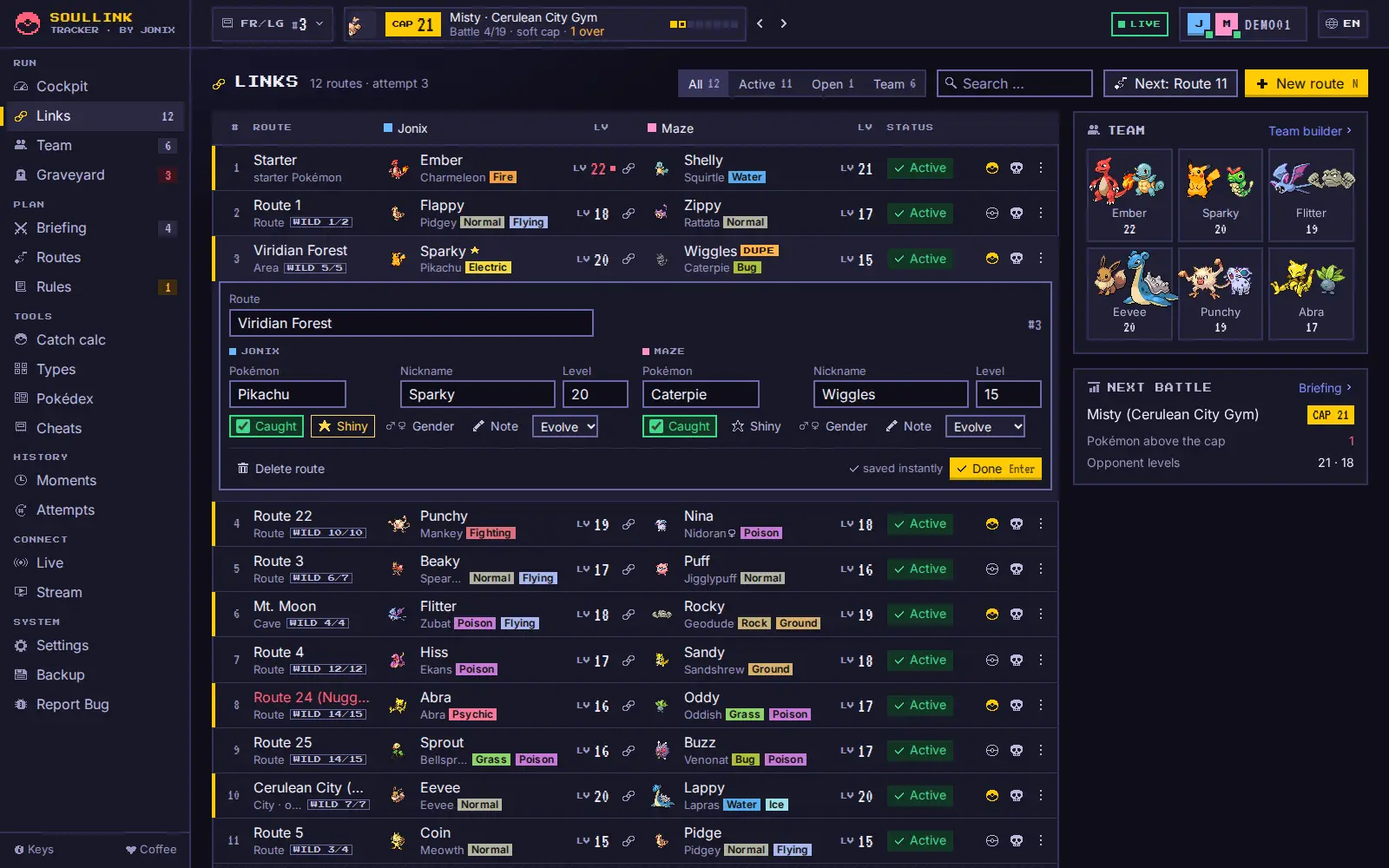
A Lua script in the emulator detects wild encounters and catches and suggests them in the tracker. One click adds them – or auto mode takes care of it.
To be honest: DS tracking is still in beta. With German Black/White ROMs (including the sequels) the tracker cannot reliably tell wild Pokémon from trainer battles – so it briefly asks at every battle.
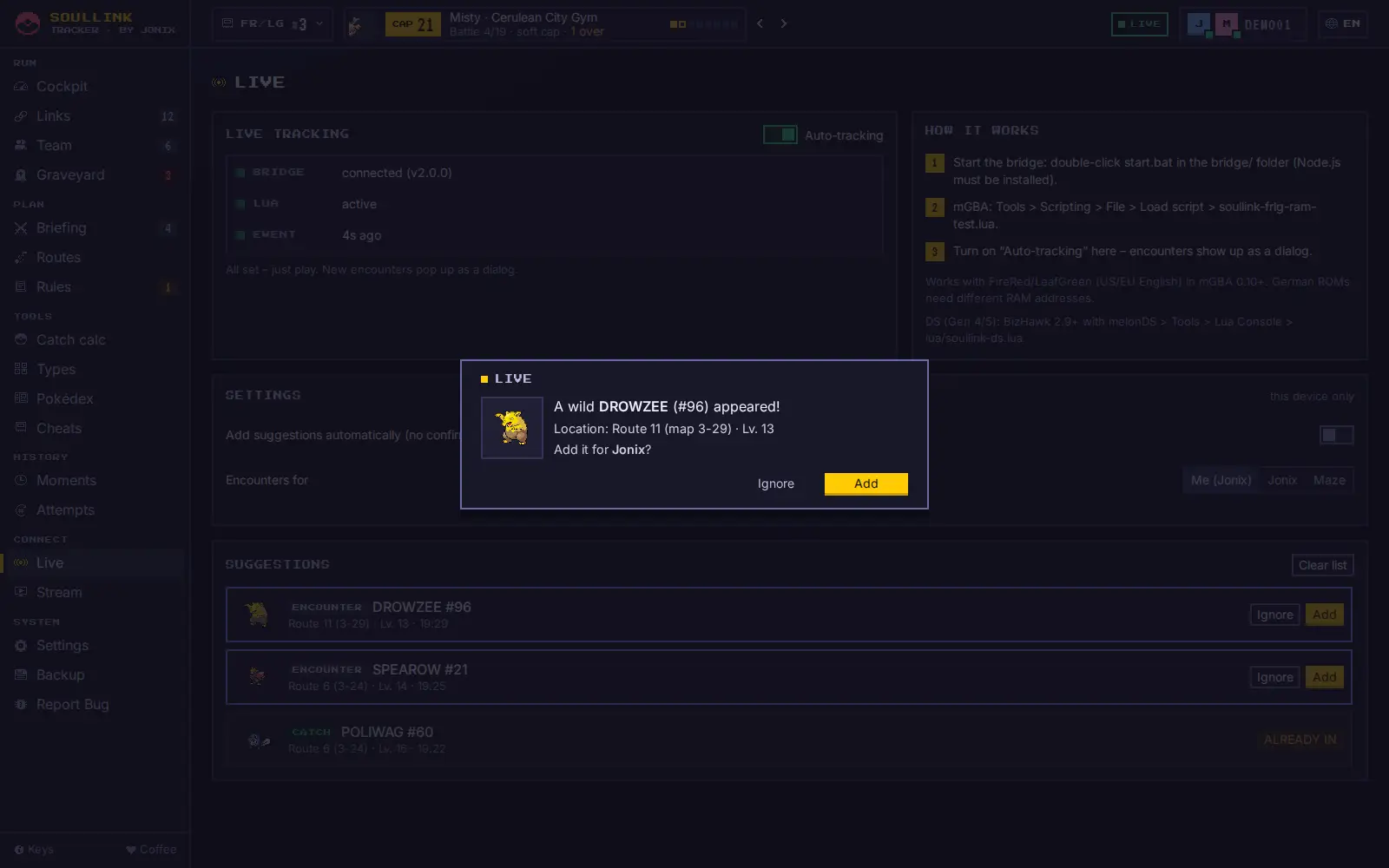
All 18 editions from Gen 1 to 8 come with their major battles – gym leaders, rivals, Elite Four and champions. Every list was checked twice against sources: levels from the game data, order from the story progression.
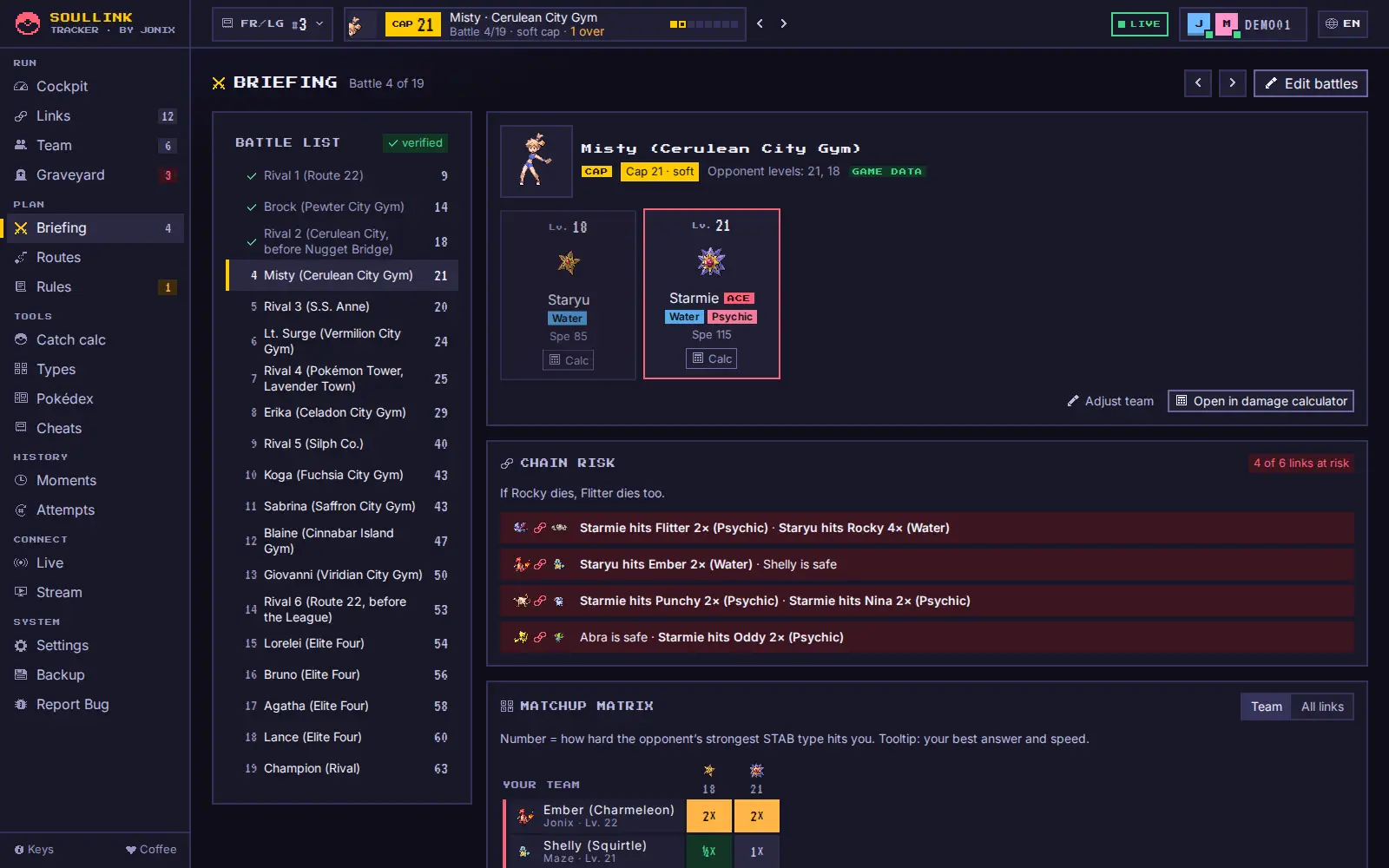
The overlay comes straight from the app: fullscreen layouts with cut-outs for game and cams, or single elements – in the new default style Clean Dark, plus GBA Pixel and Minimal.
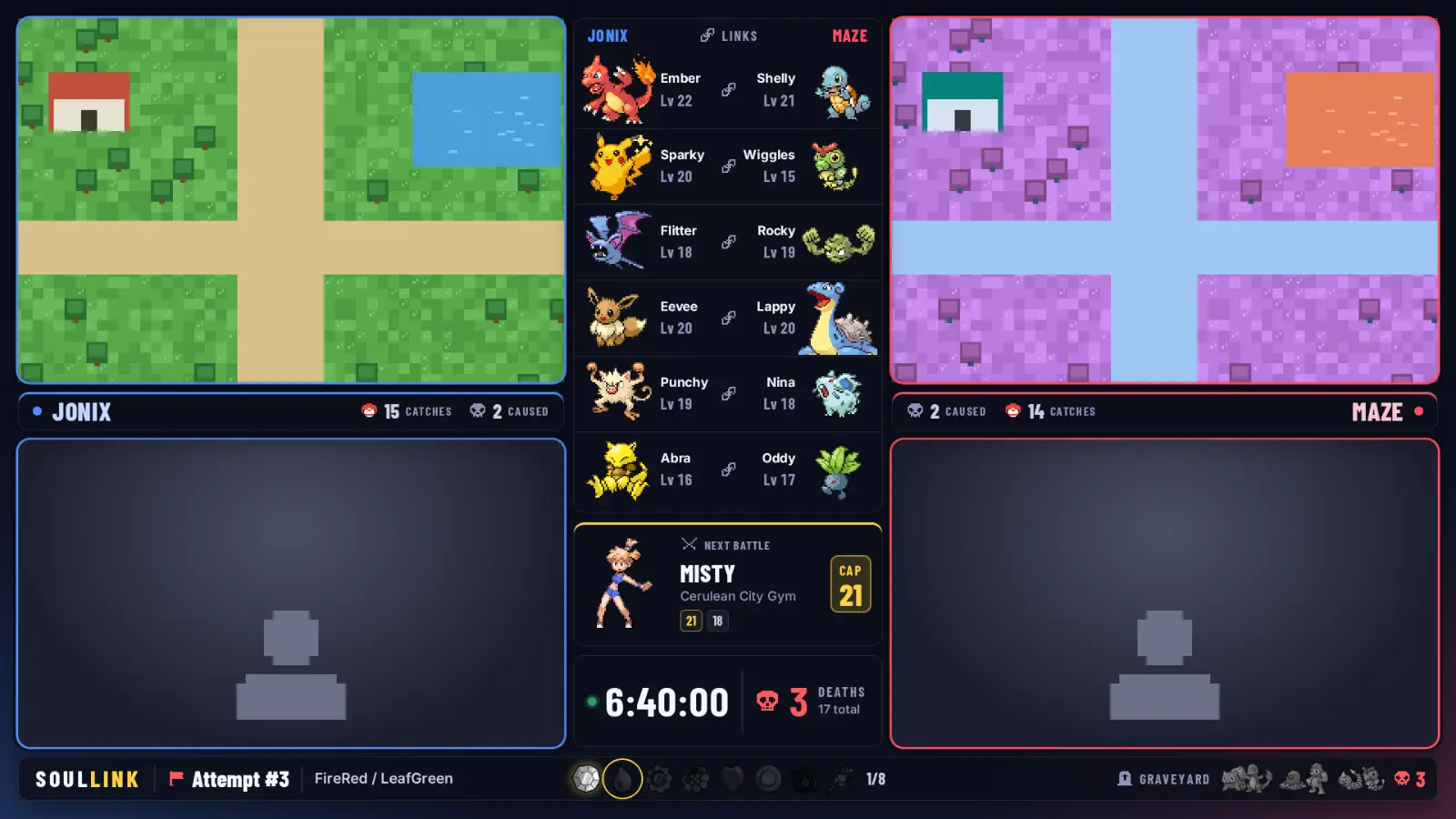
What is still left here? Every location shows species, method, level and rate – lines you already used up (dupes) are greyed out.
The popular Soullink rule: no primary type twice in the shared team. The tracker warns you as soon as you add a Pokémon.
Cause, killer, level: every loss is recorded and rests as a grave card in the graveyard.
Failed runs go to the archive, every catch, death and badge into the timeline – with undo for your own last action.
From Red/Blue to Sword/Shield, with forms and randomizer generations. “Glumanda” and “Charmander” lead to the same Pokémon.
A calm look with pixel icons, built for the second screen next to your emulator: dark by default, light at the push of a button.
N adds a new route, ? shows all shortcuts. From inside your game, Ctrl+Alt+N brings the tracker to the front.
Catch chance, type chart and Pokédex are built in – no switching to the browser mid-battle.
Real pictures from the app (demo room) – click for the large view. The video follows with the release.
Soullink is a Nuzlocke for two. The tracker turns the rules into something you can see.
One of you creates a room in the app and sends the room code to the partner. From now on you share one save – live.
The first Pokémon each of you meets on a route belong together. Both caught? The chain locks into place.
If a Pokémon faints, its partner joins it in the graveyard. The tracker shows both of you right away.
Because the installer is not signed with a paid certificate – the tracker is a free hobby project. Click “More info” and then “Run anyway” to continue. Explained step by step here.
With mGBA the English FireRed/LeafGreen. With BizHawk (beta) Diamond, Pearl, Platinum, HeartGold, SoulSilver, Black, White, Black 2 and White 2. You enter all other editions by hand. Details on languages and limits.
Yes. You both install the app and enter the same room code.
No. No subscription, no account, no ads. If you like it, buy me a coffee.
Install, share the room code, start playing. The tracker does the rest.